
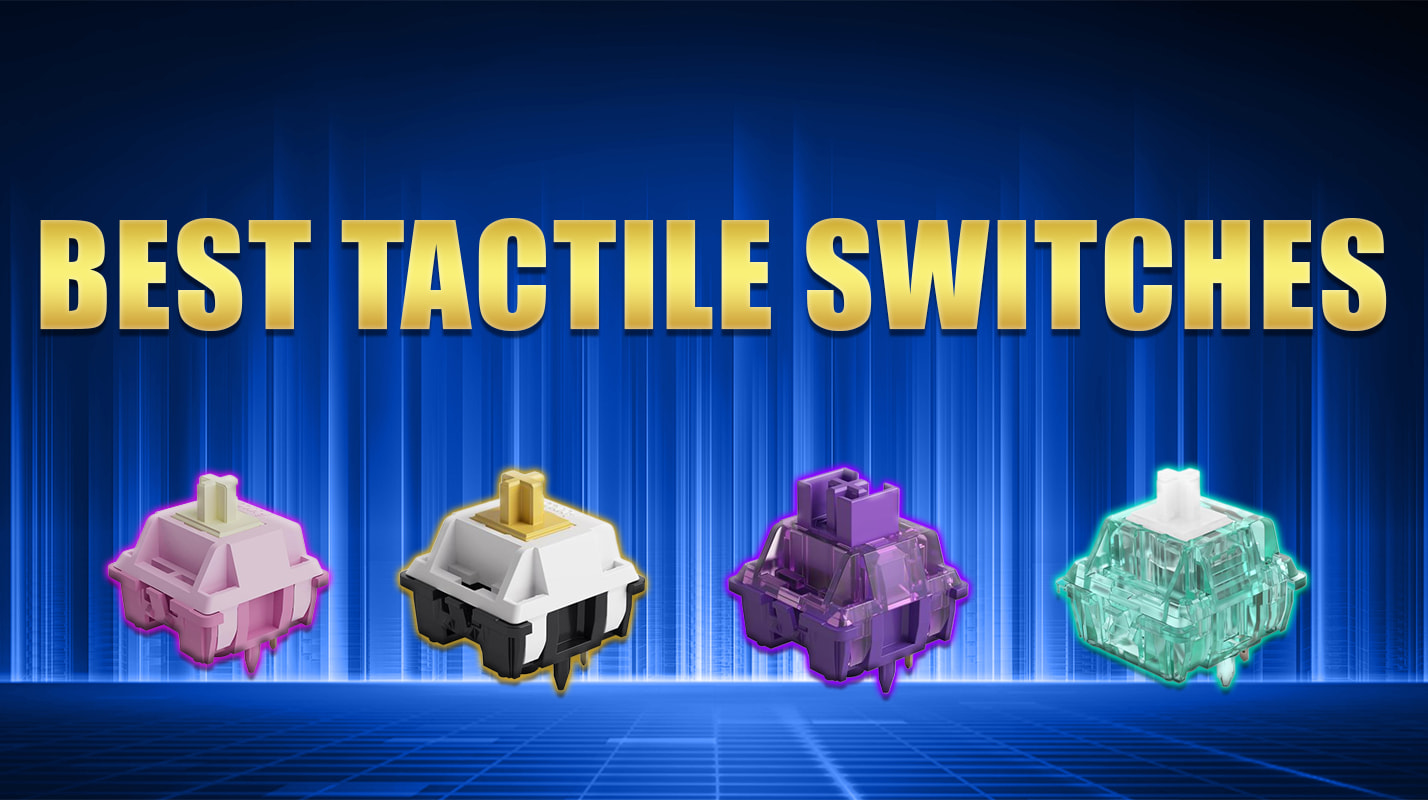
Tactile switches are popular among people who love mechanical keyboards. They offer a special feeling when you press a key. You can feel a small bump during each press. This bump tells you that the switch has reached its actuation point. As a result, you can type with more confidence and control.
Many people choose tactile switches for everyday typing, schoolwork, office tasks, and gaming. They provide clear feedback without needing a loud click. Therefore, they work well for people who want a balance between comfort and performance. They also come in different styles, sizes, and levels of resistance.
However, choosing the right keyboard switch can feel confusing at first. You may see terms like linear, tactile, and clicky. Each type offers a different experience. In this guide, you will learn what tactile switches are, how they work, and why so many keyboard users enjoy them.
What Are Tactile Switches?
Tactile switches are mechanical keyboard switches that provide a noticeable bump when you press a key. This bump gives your finger a small signal. It tells you that the switch has activated. You do not need to press the key all the way down to receive this feedback.
Inside a mechanical keyboard, each key usually has its own switch. The switch contains several small parts. These parts work together to register a keypress. When you press a key with a tactile switch, a small mechanism creates the bump you can feel.
Unlike clicky switches, tactile switches do not need to make a loud clicking sound. Some models produce a little noise, while others remain fairly quiet. This makes them useful for shared offices, classrooms, and home workspaces.
Tactile switches also come in many designs. Some have a soft bump that feels gentle under your fingers. Others have a strong bump that feels more noticeable. Consequently, you can choose a switch that matches your typing style and personal comfort.
How Do Tactile Switches Work?
Tactile switches use a small mechanical system to create feedback. When you press a key, a stem moves inside the switch housing. A spring controls the movement and helps the key return to its original position.
As the stem moves, a special shape or mechanism creates resistance. You feel this resistance as a small bump. Once the switch passes this point, it registers the keypress. Your computer then receives the signal and displays the letter, number, or command.
The exact design depends on the switch model. Some switches use a rounded bump, while others have a sharper feel. Spring strength, stem shape, and internal materials can all change the typing experience.
Here is a simple example. Imagine pressing the letter A on your keyboard. You push the key down and feel a small bump. That bump tells your finger that the switch has activated. You can then release the key and move to the next letter.
This feedback can help you understand how your keyboard responds. However, it does not automatically make every person type faster. Your results depend on practice, finger movement, and the switch you choose.
Main Features of Tactile Switches
Tactile switches have several features that make them different from other mechanical switches. Understanding these features can help you choose the right option for your keyboard.
Noticeable Feedback
The most important feature is the tactile bump. It gives your finger a clear signal during a keypress. This makes the switch feel different from a smooth linear switch.
Some people enjoy a light bump because it feels gentle. Others prefer a strong bump because it feels more defined. Both styles can work well, depending on your needs.
Moderate Noise
Most tactile switches do not create the sharp click found in many clicky switches. Still, they are not completely silent. You may hear the keycap hit the switch housing or the keyboard plate.
The amount of noise depends on several factors. These include the switch design, keyboard construction, keycaps, and typing force. Therefore, two keyboards with similar switches may sound different.
Different Spring Weights
Tactile switches come with different spring weights. A lighter spring needs less force to press. A heavier spring requires more force.
Light switches may feel comfortable during long typing sessions. However, some users prefer heavier switches because they provide more resistance. You should test different options when possible.
Mechanical Construction
Most mechanical tactile switches contain a stem, spring, housing, and electrical contact system. Each part plays a role in the switch’s movement and operation.
The quality of these parts can affect durability and feel. Good construction may also reduce unwanted movement or inconsistent keypresses.
Types of Tactile Switches
Not every tactile switch feels the same. Manufacturers create different designs to suit different users. Here are the main types you may find.
Light Tactile Switches
Light tactile switches provide a gentle bump. They usually need less force than heavier options. This makes them a popular choice for people who type for many hours.
They can feel smooth and easy to press. As a result, they may suit students, writers, and office workers. They can also work well for people who dislike strong resistance.
However, a light switch may feel too soft for some users. If you often press keys too hard, you may prefer a stronger bump or a heavier spring.
Medium Tactile Switches
Medium tactile switches offer a balance between light and strong feedback. They provide a noticeable bump without feeling too stiff for many users.
These switches are useful for everyday tasks. You can use them for emails, documents, browsing, and general computer work. They can also suit casual gaming.
Many beginners start with medium tactile switches because they offer a balanced experience. Still, your comfort matters more than a general recommendation.
Strong Tactile Switches
Strong tactile switches provide a more pronounced bump. You can feel the change in resistance clearly as you press a key.
Some experienced typists enjoy this feeling. They may find it easier to recognize each keypress. Strong feedback can also make typing feel more engaging.
However, these switches may require more effort. If you type for long periods, a very strong bump may cause fatigue. Try a few switches before buying a full keyboard.
Silent Tactile Switches
Silent tactile switches aim to reduce typing noise while keeping the tactile bump. They often use special materials or dampening parts to soften the sound.
These switches can work well in libraries, offices, and shared rooms. They are also useful when someone nearby needs a quiet environment.
Remember that silent does not always mean completely noiseless. Keycaps and keyboard parts can still produce sound. Your typing technique can also affect the final noise level.
Tactile Switches vs. Linear Switches
Linear switches move smoothly from top to bottom. They do not have the noticeable tactile bump found in tactile switches. This creates a different feeling during each keypress.
Many gamers like linear switches because their movement feels smooth and predictable. They may also suit people who prefer a simple keypress without extra resistance during travel.
Tactile switches offer a different benefit. Their bump gives your fingers feedback when the key activates. This can feel helpful during typing because you receive a physical signal from each key.
The best choice depends on your priorities. If you enjoy smooth movement, linear switches may suit you better. If you want a noticeable bump, tactile switches may be the better option.
Neither type is automatically faster or more accurate. Your typing habits and personal preference play an important role.
Tactile Switches vs. Clicky Switches
Clicky switches provide both tactile feedback and a clear clicking sound. Many people enjoy their loud, classic mechanical keyboard sound. Others find it distracting.
Tactile switches focus more on the physical bump. They can provide feedback without the same sharp click. This makes them a useful choice for people who want a mechanical feel with less noise.
However, the word “tactile” does not mean silent. Some tactile switches sound quite loud, especially inside certain keyboard cases.
If you share a room with other people, consider silent tactile switches. If sound matters less, a regular tactile model may offer the feeling you want.
Your choice should depend on both feel and sound. If possible, listen to a keyboard before buying it.
Benefits of Tactile Switches
Tactile switches offer several benefits for everyday keyboard users. Their main advantage is the clear feedback they provide during a keypress.
Better Awareness During Typing
The tactile bump helps you feel when a key activates. This can make each press feel more controlled. You may also become more aware of how much force you use.
With practice, you can learn to release keys without pressing them all the way down. This behavior is often called avoiding bottoming out.
However, tactile feedback does not guarantee fewer typing mistakes. Your accuracy still depends on practice, attention, and keyboard layout.
A Comfortable Typing Experience
Many people find tactile switches comfortable because they offer a clear response. The bump can make typing feel more satisfying than a completely smooth switch.
Comfort also depends on spring weight and bump strength. A light tactile switch may feel easy to use, while a heavy model may feel tiring.
For long work sessions, consider your hand position and typing habits. Take regular breaks and keep your wrists in a relaxed position.
Useful for Different Tasks
Tactile switches can handle many types of computer work. You can use them for writing, coding, studying, chatting, and general browsing.
They also work for gaming. Some players like the feedback when pressing movement keys or using shortcuts.
Still, there is no single switch that works best for every task. Competitive gamers may prefer linear switches, while writers may enjoy tactile feedback. Your personal preference should guide your choice.
A Mechanical Keyboard Feel
Many users buy mechanical keyboards because they enjoy the physical feel of the keys. Tactile switches provide a clear bump that can make typing more engaging.
They also come in many designs. You can choose different spring weights, sound profiles, and levels of feedback.
This variety makes it easier to build a keyboard that suits your needs. You can start with a basic model and explore other switches later.
Are Tactile Switches Good for Gaming?
Yes, tactile switches can work well for gaming. They offer feedback that some players enjoy during movement, ability use, and menu navigation.
For example, a player may appreciate the bump when pressing movement keys. The physical response can make each press feel more distinct. It can also make everyday gaming feel more satisfying.
However, tactile switches do not automatically improve reaction time. Game performance depends on practice, decision-making, hardware, and many other factors.
Some players prefer linear switches for fast repeated presses. Linear movement may feel smoother to them. Others prefer tactile switches because they like a clear bump.
The best way to decide is to try both types. If you play many different games, choose a switch that feels comfortable across your usual activities.
Are Tactile Switches Good for Typing?
Tactile switches are a popular choice for typing. Their bump provides physical feedback as you press each key. Many writers enjoy this feeling because it makes typing more engaging.
They can work well for school assignments, emails, reports, and long documents. You can also find models with light springs that need less pressing force.
However, comfort varies from person to person. A switch that feels great to one writer may feel too stiff to another. Finger strength and typing technique can also change your experience.
If you spend several hours typing every day, look for a switch with a comfortable spring weight. A moderate bump may be a useful starting point.
Also, consider your keyboard’s layout and shape. Good desk posture matters just as much as switch choice.
Understanding Actuation Force and Travel Distance
Two important terms can help you compare tactile switches: actuation force and travel distance.
Actuation force describes how much force you need to make a switch register a keypress. Manufacturers may list this value in grams or centinewtons.
A lighter switch needs less force to activate. A heavier switch needs more force. However, the shape of the tactile bump can change how heavy a switch feels.
Travel distance describes how far the key moves. Total travel is the full distance from the resting position to the bottom. Pre-travel describes the distance before the switch activates.
These measurements affect the typing experience. Still, numbers alone cannot tell you exactly how a switch will feel. The bump shape, spring design, and other parts also matter.
Therefore, use specifications to narrow your choices. Then test the switches when possible.
How to Choose the Best Tactile Switches
Choosing the right switch starts with understanding how you use your keyboard. Think about your daily tasks, preferred sound, and typing style.
Consider Your Main Activity
If you write articles or complete schoolwork, look for comfortable feedback and a suitable spring weight. A light or medium tactile switch may be a good starting point.
If you play games, consider how the switch feels during repeated presses. You may prefer a lighter switch for quick movements or a stronger bump for clear feedback.
If you use your computer for everything, look for a balanced model. A medium tactile switch can offer a useful middle ground.
Check the Sound Level
Think about where you use your keyboard. A loud switch may be fine in a private room. However, it may bother people in a shared office.
Silent tactile switches can help reduce noise. You can also use quieter keycaps and a keyboard case that limits unwanted sound.
If possible, listen to typing samples before buying. Sound recordings may not match your room perfectly, but they can still help.
Check Compatibility
Not every switch fits every keyboard. Some keyboards support hot-swappable switches. This means you can remove and replace compatible switches without soldering.
Other keyboards use soldered switches. Changing them usually requires more tools and skill.
You should also check the switch type. Many mechanical keyboards use MX-style switches, but some models use different designs. Always confirm compatibility before buying a set.
Set a Budget
Tactile switches come at different prices. Basic options may suit beginners, while premium models may offer special materials or designs.
You do not need the most expensive switch to enjoy a good typing experience. Start with your comfort and keyboard compatibility.
If you are unsure, buy a small switch tester or a few sample switches. This can help you compare options before spending money on a full set.
Popular Tactile Switch Options
Several well-known switch families offer tactile models. Their exact feel depends on the specific version, so check the model name carefully.
Cherry MX Brown
Cherry MX Brown switches are a well-known tactile option. They provide a relatively light bump compared with stronger tactile designs.
They can suit people who want a general-purpose mechanical keyboard. You can use them for office work, writing, and casual gaming.
However, some users find their bump subtle. If you want a strong tactile feeling, another model may suit you better.
Gateron Brown
Gateron Brown switches offer another option for users who want a mild tactile feel. They appear in various mechanical keyboard models.
They can work well for everyday typing. Still, different product versions may have different specifications and sounds.
Always check the exact version before making a purchase. A switch’s name alone does not describe every detail of its feel.
Boba U4
Boba U4 switches are known for a quiet tactile experience. They aim to combine noticeable feedback with reduced sound.
They may appeal to people who want tactile feedback in a shared workspace. However, availability and pricing can vary by seller and region.
Check the exact product details before buying. Also, confirm that your keyboard supports the switch format.
Durock T1
Durock T1 switches are often chosen by people who want stronger tactile feedback. Their bump can feel more pronounced than that of many mild tactile models.
They may appeal to experienced keyboard users who enjoy a defined response. However, their feel may seem too strong for people who prefer light switches.
Try a sample if you can. This is a simple way to find out whether the bump suits your fingers.
How to Maintain Tactile Switches
Good maintenance can help your keyboard stay clean and work properly. Dust, crumbs, and other small particles can collect around the keys over time.
First, unplug your keyboard or turn it off before cleaning. Remove loose dust with a soft brush or suitable air duster. Follow the keyboard maker’s cleaning instructions.
If your keyboard supports removable keycaps, you can remove them carefully. Clean the keycaps separately and let them dry fully before putting them back.
Do not pour water or cleaning liquid into the switches. Moisture can damage the electrical parts. Avoid forcing a switch or keycap if it does not come out easily.
Some enthusiasts lubricate compatible switches to change their feel and sound. However, lubrication requires the correct materials and technique. Too much lubricant can affect switch performance.
For most users, regular surface cleaning is enough. Handle your keyboard gently and keep food and drinks away from it.
Common Problems With Tactile Switches
Tactile switches can develop problems like other mechanical parts. Fortunately, many issues have simple explanations.
A Key Does Not Register
A key may fail to register because of a connection issue, dirt, or a faulty switch. First, check whether the problem affects one key or several keys.
If your keyboard has removable switches, turn it off and follow the maker’s instructions before checking the switch. Never remove a switch while the keyboard requires a different procedure.
If the problem continues, check the keyboard software or contact the manufacturer. A faulty switch may need replacement.
A Key Feels Scratchy
Some switches feel rough during movement. This can result from the switch design, internal friction, or wear.
A scratchy feeling does not always mean the switch is broken. Some users prefer a smooth feel, while others care less about small changes in movement.
If the roughness appears suddenly, check for dirt or damage. Avoid opening a switch unless you understand how to handle its small parts.
The Keyboard Sounds Too Loud
Even tactile switches can create noticeable noise. The keycaps may hit the keyboard plate, or the case may amplify the sound.
Try typing with less force. You can also explore compatible silent tactile switches or other noise-reduction options.
Remember that changing the switches may not solve every sound issue. The keyboard case, desk, and keycaps can all affect noise.
Tactile Switches for Beginners
If you are new to mechanical keyboards, tactile switches can be a useful place to start. They provide a clear bump without requiring a loud click.
Begin by choosing a keyboard that fits your budget and needs. Then look for a switch with moderate resistance and a bump that sounds comfortable to you.
Do not worry too much about technical measurements at first. They become more useful as you learn what you like. Focus on the basic feel, sound, and comfort.
If you can, test a few different switch types. Press each one several times and compare the feedback. Think about how it feels during both slow typing and quick keypresses.
Finally, remember that you do not need to follow popular trends. The best switch is the one that works well for your hands and your daily tasks.
FAQs
1. What are tactile switches used for?
Tactile switches are used in mechanical keyboards for typing, gaming, studying, and office work. They provide a noticeable bump when a key activates.
2. Are tactile switches loud?
Most tactile switches are quieter than many clicky switches. However, they still make some noise. Silent tactile models can reduce sound even more.
3. Are tactile switches good for gaming?
Yes, tactile switches can work well for gaming. They provide feedback during keypresses. However, some players prefer linear switches for their smooth movement.
4. Are tactile switches good for beginners?
Yes, tactile switches can suit beginners. Their bump gives clear feedback without requiring a loud click. A light or medium tactile model can be a useful starting point.
5. Do tactile switches make you type faster?
Not necessarily. Tactile feedback may help some people feel more aware of their keypresses. However, typing speed depends on practice, comfort, and technique.
Conclusion
Tactile switches offer a useful balance between physical feedback and everyday performance. Their noticeable bump helps you feel when a key activates. As a result, many people enjoy using them for writing, office work, studying, and gaming.
However, every user has different needs. Some people prefer a gentle bump, while others enjoy stronger resistance. Sound, spring weight, travel distance, and keyboard compatibility can all affect your choice.
Before buying, think about how you use your keyboard. Compare different models and test a few switches if possible. You can also consider silent tactile switches if you work in a shared space.
Ultimately, the best tactile switches are the ones that feel comfortable and suit your daily routine. You do not need the most expensive model. Instead, focus on a good typing experience, reliable performance, and the features that matter most to you.
